Mobile App

Your entire business in your pocket.

The WorkBoss App is built for the field — not the office. Build estimates, manage customers, dispatch your crew, and get paid. All from your phone, even without signal.

iOS & Android · Works offline · Included with every plan
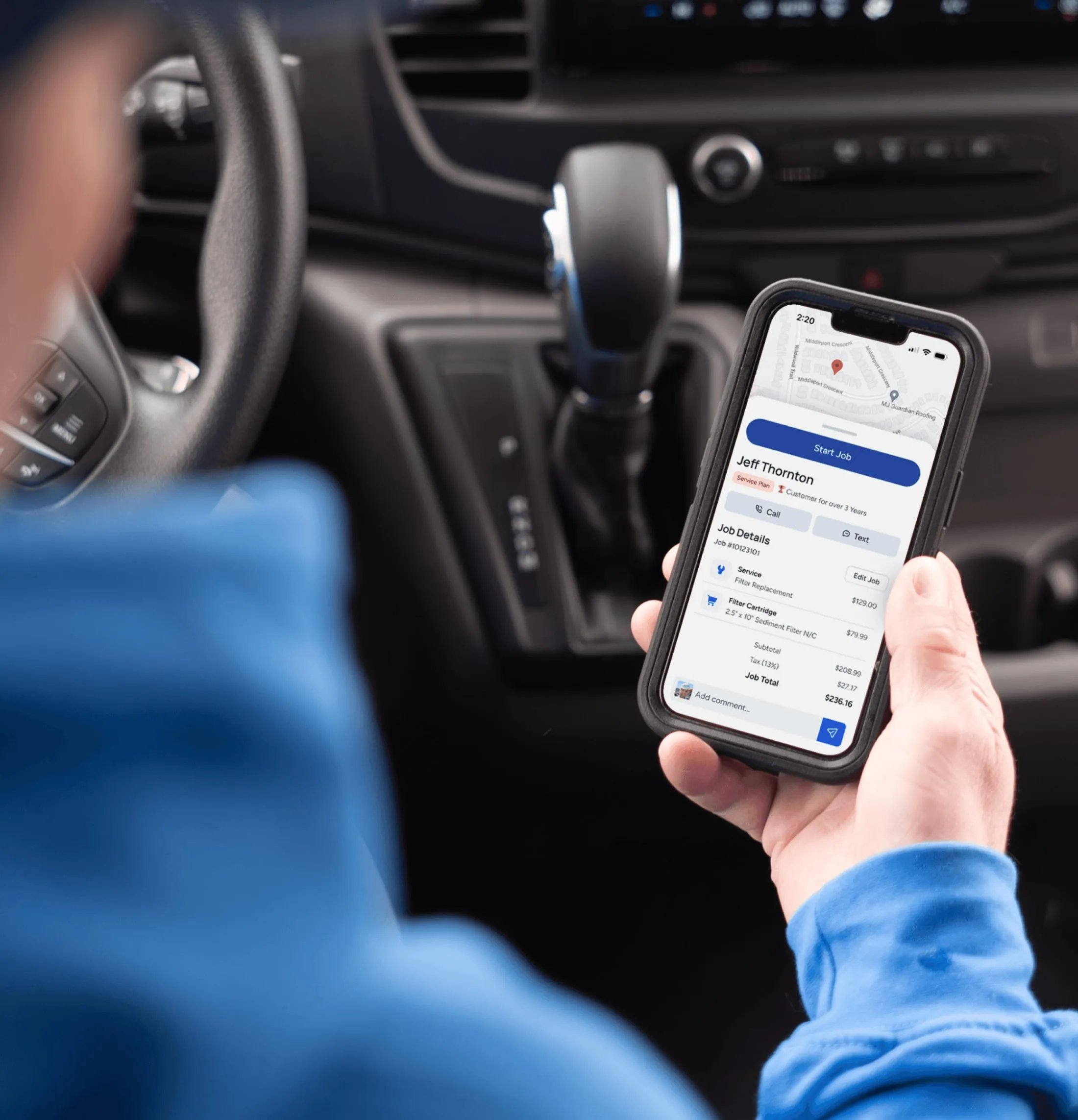
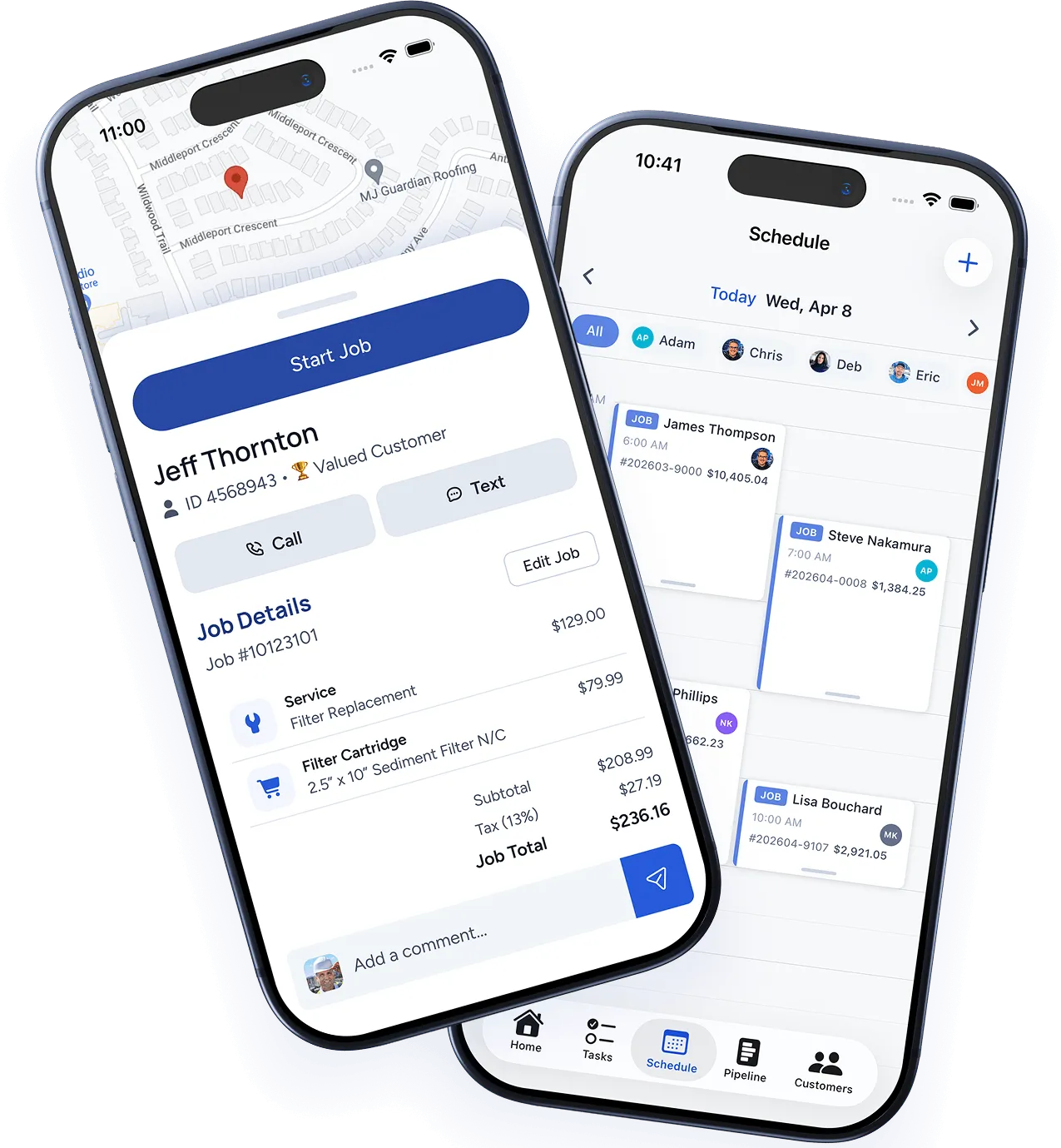
WorkBoss mobile app showing the dashboard, job details, and customer management screens on iOS

Built for the Field

Everything you need, right from your phone.

The WorkBoss app isn't a watered-down version of the desktop. It's the full platform, designed for how you actually work in the field.

Estimates On-Site

Build professional estimates while you're standing in the customer's kitchen. Pull from your price book, add line items, and send it before you leave the driveway.

Schedule & Dispatch

View your day's schedule, check job details, get driving directions, and update job status — all without calling the office. Your team sees changes in real time.

Collect Payments

Send invoices and collect payment on the spot. Credit card, ACH, or Apple Pay. No more "the check is in the mail" — get paid before you pack up your tools.

Customer History

Pull up any customer's full service history, equipment notes, and past invoices while you're on-site. Know the story before you knock on the door.

Job Notes & Photos

Add notes, snap photos, and attach documents to any job. Everything stays tied to the customer record — accessible to your whole team instantly.

Real-Time Sync

Changes sync instantly between the app and the desktop. When the office updates a schedule, your techs see it immediately. No refresh, no lag.

Works Offline

No signal? No problem.

Basements, rural properties, construction sites — you don't always have a signal. WorkBoss keeps working even when your phone doesn't. Build estimates, update jobs, and add notes offline.

Everything syncs automatically the moment you're back online. No lost data, no duplicate entries, no "I'll do it when I get back to the office."

Create and edit estimates offline
Update job status and add notes
Access customer history and job details
Auto-sync when connection returns
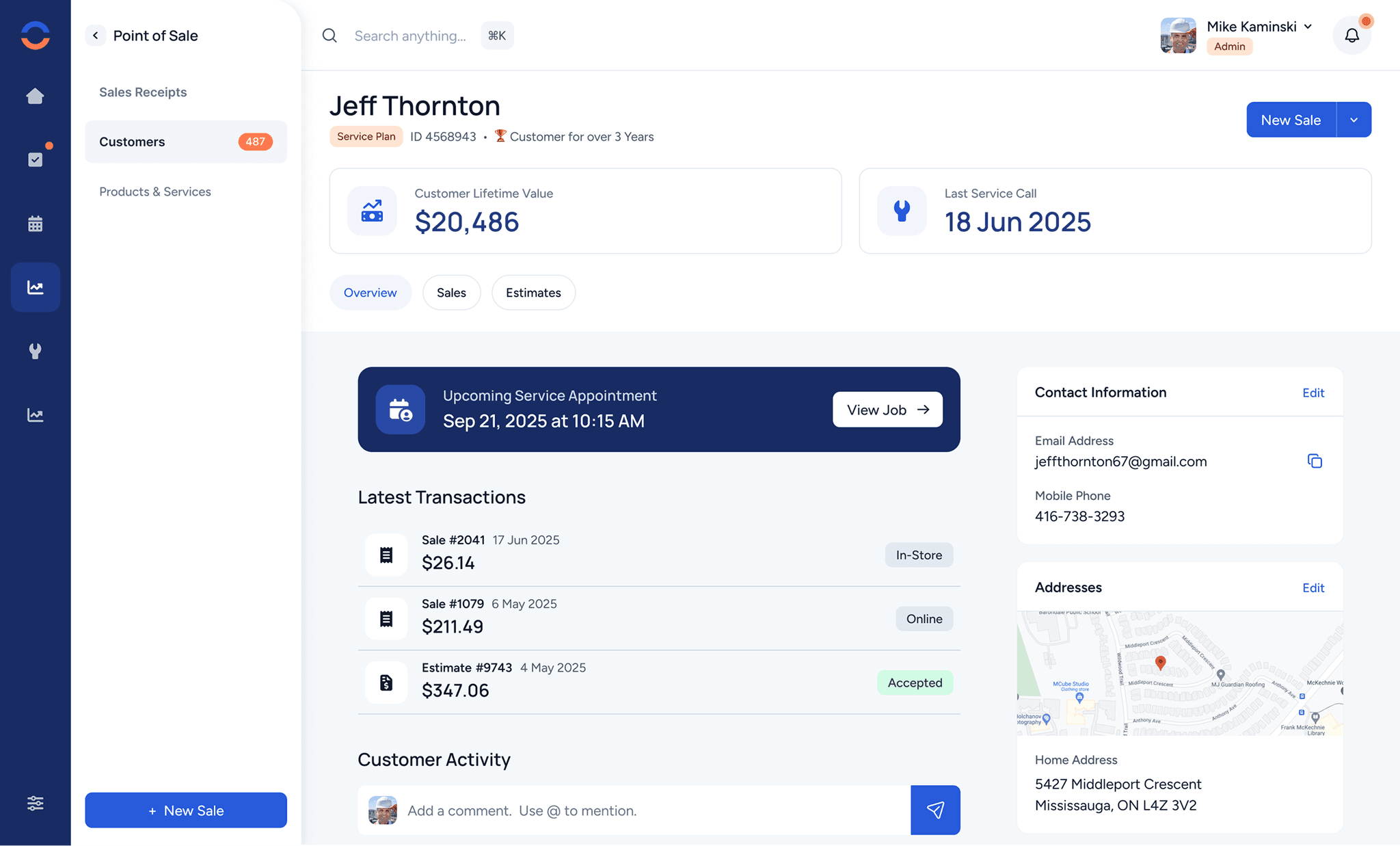
WorkBoss mobile app working in offline mode, showing cached customer data and job details available without internet connection
app.workboss.com
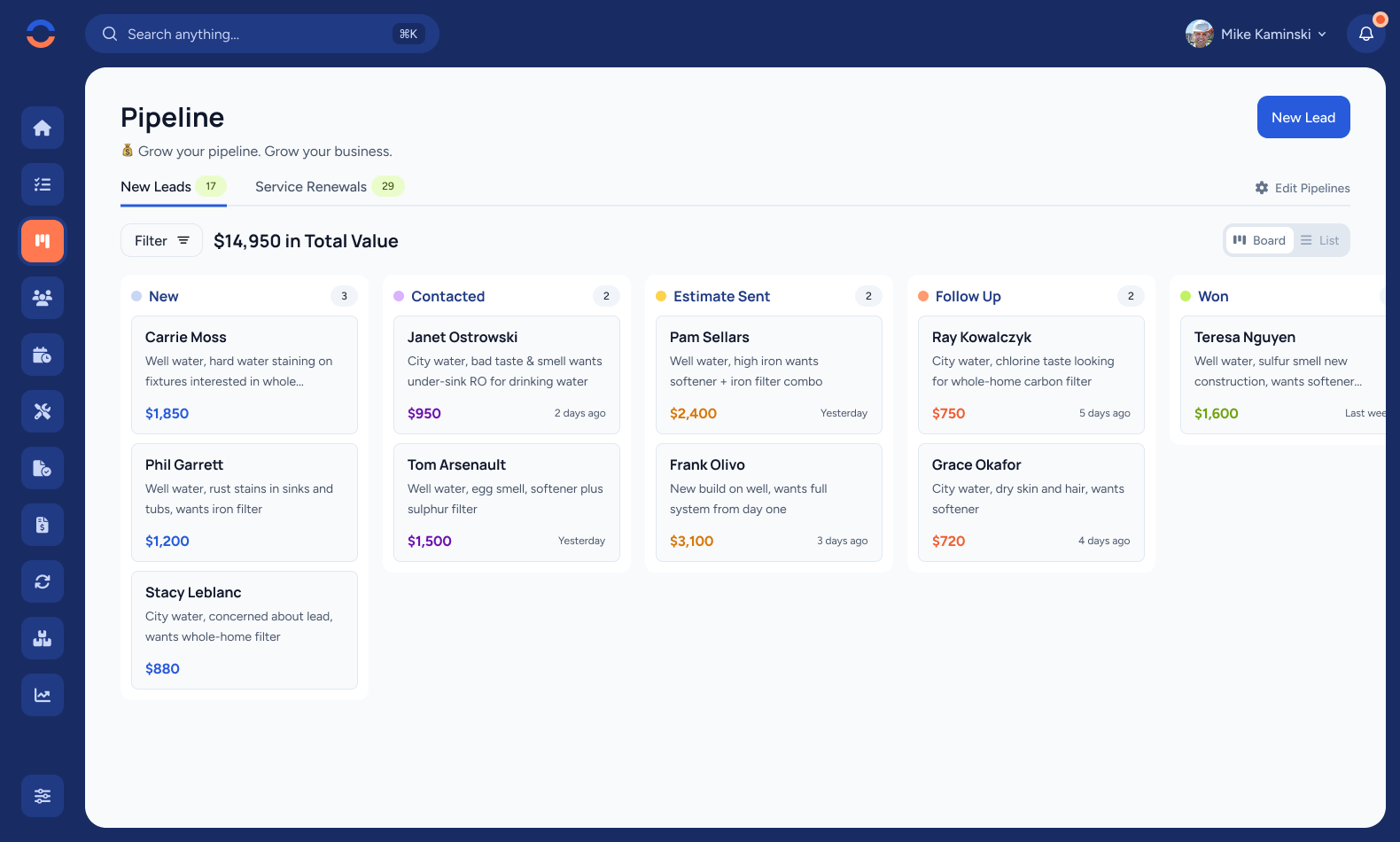
WorkBoss desktop CRM pipeline board showing the same data accessible from the mobile app

One Platform

Desktop and mobile, perfectly in sync.

The office manages the schedule on desktop. Your techs update jobs from their phones. Customers get invoices via email. Everything lives in one system — no imports, no exports, no "let me check the other app."

WorkBoss works the same on every device. Learn it once, use it everywhere.

Try it free

Get Started

Up and running in minutes.

1

Download the app

Grab WorkBoss from the App Store or Google Play. It's free to download and included with every WorkBoss plan.

2

Sign in

Use the same login as your desktop account. Your data, customers, and settings are already there — nothing to set up.

3

Invite your crew

Each tech gets their own login. They see their schedule, job details, and customer info — nothing more, nothing less.

4

Start working

Build estimates, manage jobs, collect payments — all from the field. The app does everything the desktop does, optimized for your phone.

Professional trade tools arranged on a workbench
"I used to drive back to the office just to check the schedule. Now I pull it up on my phone between jobs. My guys update their status from the truck. We're finally all on the same page."

— Mike R., Operations Manager, First Call Electric

Take WorkBoss everywhere you go.

The WorkBoss app is included with every plan. Start your 14-day free trial and run your business from anywhere — office, truck, or jobsite.

© 2026 WorkBoss Inc. All rights reserved.