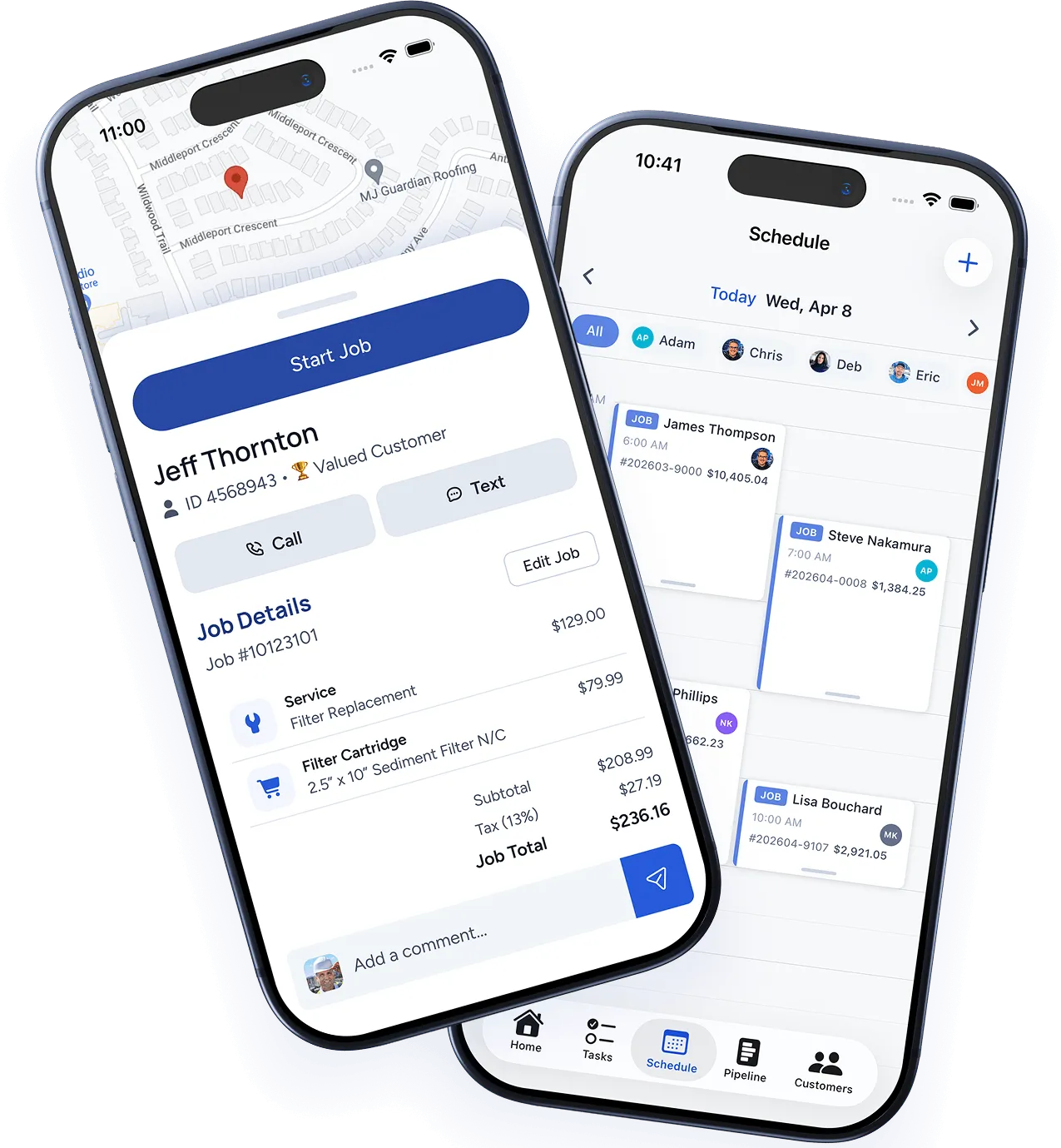
Download the app
The WorkBoss mobile app is available for both iOS and Android:
- iPhone/iPad — Search “WorkBoss” in the App Store or use the link in your invitation email.
- Android — Search “WorkBoss” in the Google Play Store.
Sign in
Open the app and sign in with the email and password from your invitation. If you haven’t set a password yet, check your email for the invitation link from your admin.
Your daily view
When you open the app, you’ll see today’s schedule:
- Job cards — Each job shows the customer name, address, service type, and time window.
- Navigation — Tap the address to open directions in your preferred maps app.
- Status buttons — Update job status with one tap: En Route → In Progress → Complete.
Key features for technicians
Clock in and out
Tap Clock In when you start your day and Clock Out when you’re done. Time is tracked automatically and visible to your admin.
Job details
Tap any job card to see the full details — customer notes, service history at this property, line items, and any attachments from the office.
Photos and notes
Take photos directly from the job screen. They’re attached to the job automatically. Add notes that your office team can see in real time.
Customer signature
When the job is done, hand the phone to the customer to sign directly on screen. The signature is saved to the job record.
Collect payment
If enabled, you can collect credit card payment right from the app. The customer can also pay from the invoice link later.
Notifications
You’ll receive push notifications for:
- New job assignments
- Schedule changes
- Messages from the office
- Customer approvals on estimates
Configure your notification preferences in the app under More → Settings → Notifications.
Was this article helpful?
Thanks for your feedback!