How offline mode works
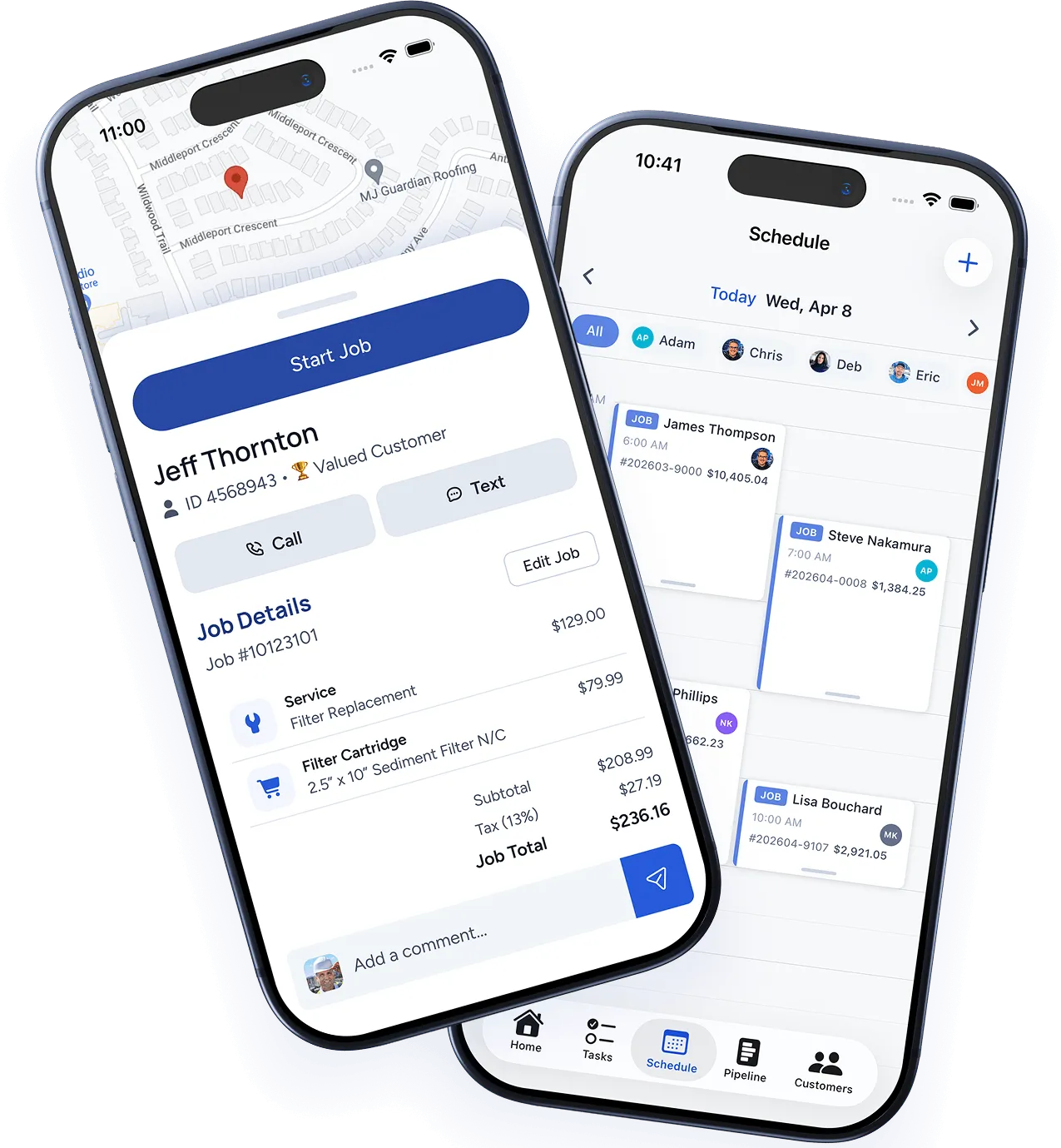
The WorkBoss mobile app automatically caches your assigned jobs, customer details, and service history when you have a connection. If you lose internet — whether you’re in a basement, a rural area, or underground — you can keep working.
What works offline
- View your schedule — See all jobs assigned to you for the day.
- View job details — Customer info, notes, line items, and previous photos.
- Update job status — Mark jobs as En Route, In Progress, or Complete.
- Take photos — Photos are saved locally and uploaded when you reconnect.
- Add notes — Write job notes that sync automatically later.
- Collect signatures — Customer signatures are stored and uploaded when connectivity returns.
- Log time — Clock in/out and job time tracking continues as normal.
What requires internet
- Collecting card payments — Card processing requires an active connection.
- Sending estimates or invoices — These are queued and sent once you’re back online.
- Real-time GPS tracking — Your location updates pause until reconnection.
- Loading new job assignments — You won’t see new assignments until you have internet.
Syncing
When you regain internet, the app syncs everything automatically in the background. You’ll see a brief “Syncing…” indicator, and then all your offline work appears in the web dashboard for your office team.
There’s no action required on your part — just keep working and the app handles the rest.
Tips for areas with poor connectivity
- Open the app and view your jobs before heading into a low-signal area. This ensures all job data is cached.
- Take photos and add notes throughout the job as normal. Don’t worry about upload failures — the app retries automatically.
- If you need to collect payment and have no signal, let the customer know you’ll send the invoice via email once you’re back in range.
Was this article helpful?
Thanks for your feedback!