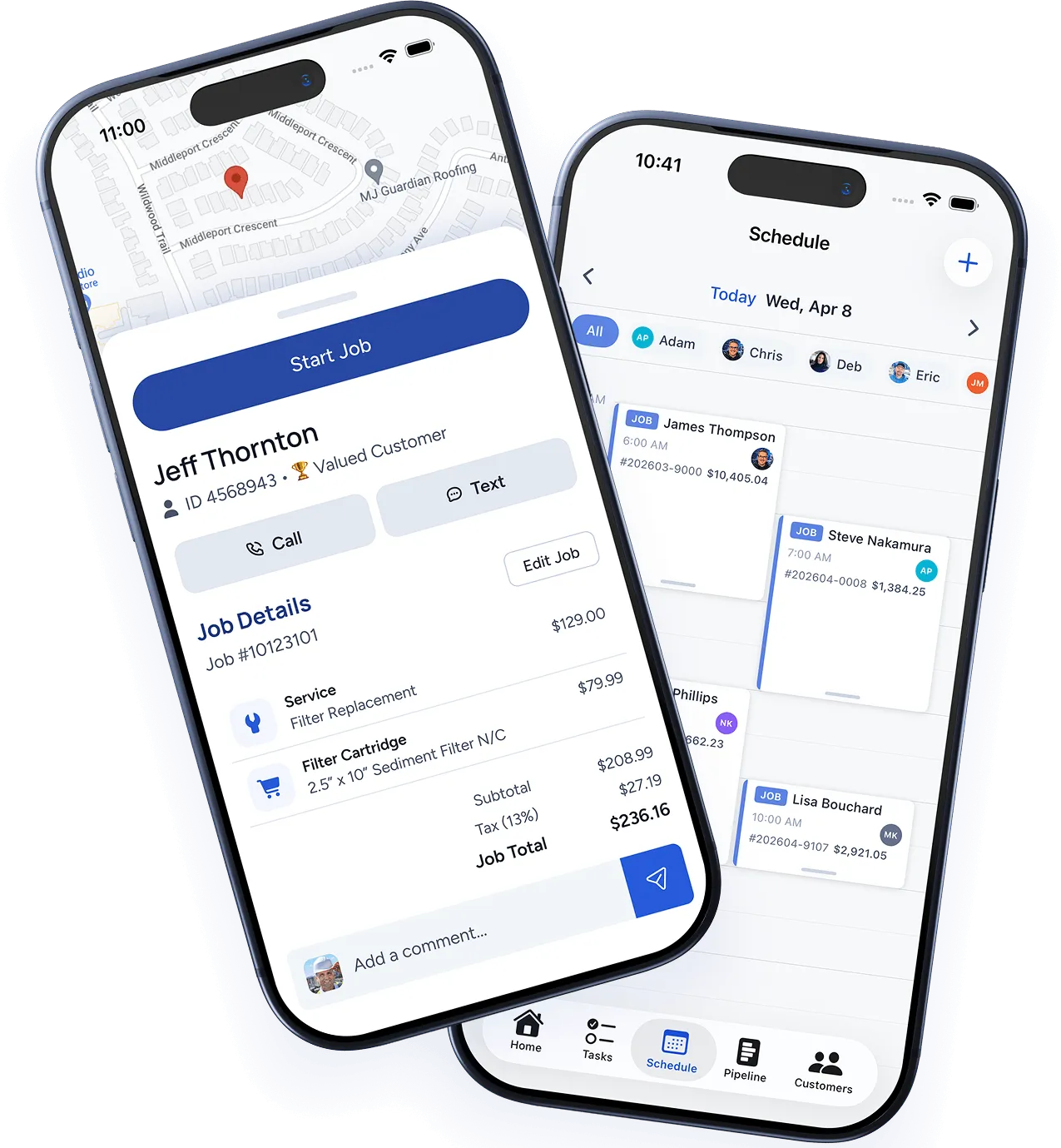
Create an invoice
There are two ways to create an invoice:
From a completed job
Open any completed job and click Create Invoice. All line items, labor, and materials from the job are pulled in automatically.
From scratch
Go to Invoices → New Invoice, select a customer, and add your line items manually. Use this for deposits, retainers, or work that wasn’t tracked as a job.
Customize the invoice
Before sending, you can:
- Edit line items — Adjust descriptions, quantities, or rates.
- Add a discount — Apply a percentage or flat dollar discount.
- Attach photos — Include job completion photos for transparency.
- Set payment terms — Due on receipt, Net 15, Net 30, or a custom date.
- Add a personal note — A message to the customer that appears on the invoice.
Send the invoice
Click Send and choose:
- Email — Branded email with a Pay Now button that links to the online payment page.
- SMS — Text message with a payment link.
- Print/PDF — Download a PDF for printing or mailing.
Accepting payment
Online payments
If WorkBoss Payments is enabled, customers can pay directly from the invoice link using credit card or ACH bank transfer. Funds are deposited to your bank account within 1–2 business days.
In-field payments
Technicians can collect payment on the mobile app using:
- Credit/debit card via the built-in card reader or manual entry
- Cash or check — Mark as paid and record the payment method
Partial payments
Customers can make partial payments. The invoice shows the remaining balance and updates automatically.
Payment reminders
WorkBoss sends automatic payment reminders based on your settings:
- Before due — A friendly reminder a few days before the due date.
- On due date — A reminder that payment is due today.
- Overdue — Follow-up reminders at intervals you set (e.g., 3 days, 7 days, 14 days after due).
Configure these in Settings → Notifications → Payment Reminders.
QuickBooks sync
If connected to QuickBooks, invoices and payments sync automatically. No double entry required.
Was this article helpful?
Thanks for your feedback!